

- 1. Perplexity: The "Search-to-Action" Workflow
- 2. MaxAI.me: The One-Click Document Specialist
- 3. Otter.ai: Automating the "Post-Meeting" Slump
- 4. Merlin: The Social Media & LinkedIn Power User
- 5. Grammarly: From Basic Spellcheck to "Tone Architect"
- The "Stacking" Strategy: Reclaiming Your 10 Hours
- Frequently Asked Questions (FAQ)
The “AI Hype” era is officially over in the United States. In 2026, American remote workers, digital nomads, and small business owners are no longer asking what AI is—they are asking how to build AI productivity workflows that actually reclaim their weekends.
Whether you are a freelance developer in Austin or a marketing manager in New York, efficiency is the only currency that matters in the modern creator economy.
If you aren’t using agentic AI browser extensions to automate your repetitive daily tasks, you are essentially leaving hours of billable time on the table.
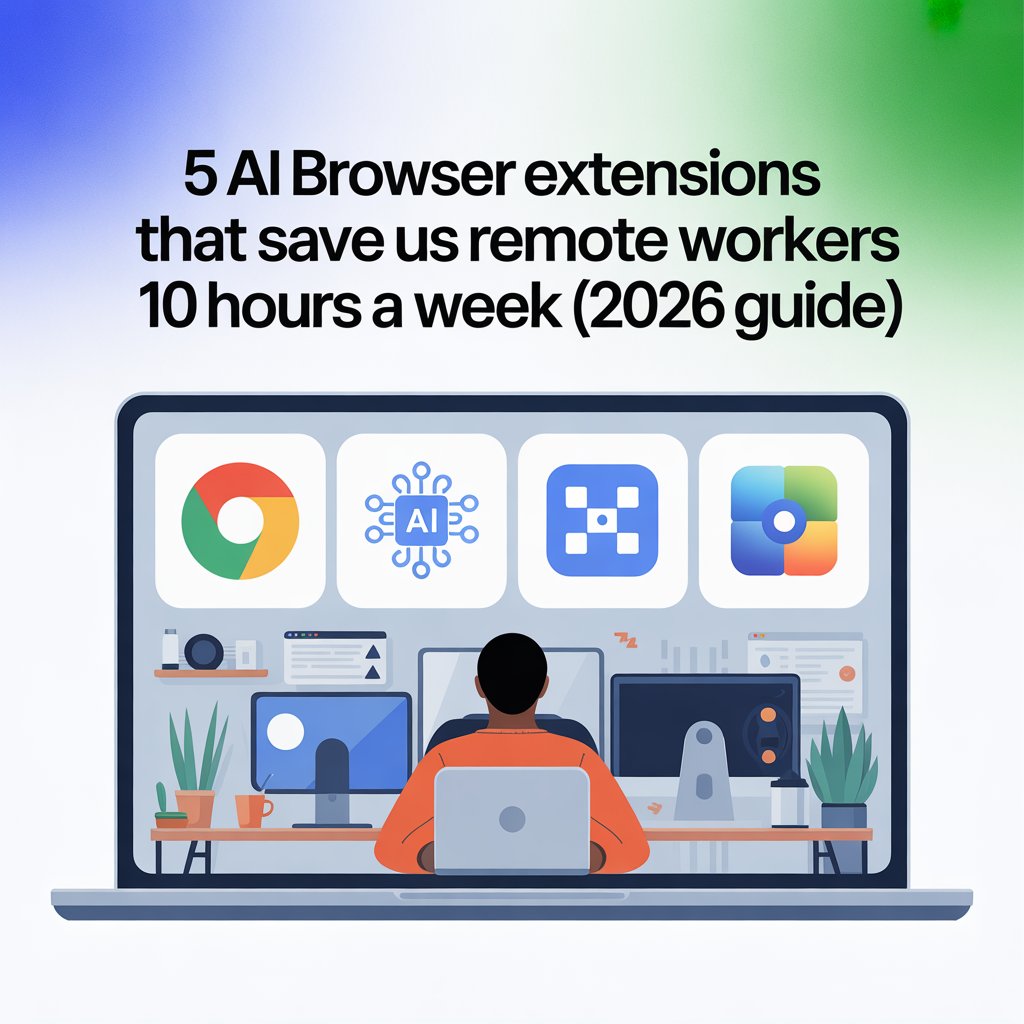
In a high-competition market like the USA, staying ahead means moving from “manual work” to “AI oversight.” Here are the top 5 tools to revolutionize your productivity workflow today.
1. Perplexity: The “Search-to-Action” Workflow
Traditional search engines are becoming increasingly cluttered with ads and SEO-bloat. For US-based researchers and analysts, Perplexity has become the gold standard. It doesn’t just give you links; it gives you cited answers.
- The Workflow: Instead of clicking through 10 different tabs to find a specific market statistic or a competitor’s pricing, use the Perplexity extension to “Summarize Page” or “Search Domain.”
- The Time Save: You can save approximately 2 hours per week by eliminating manual data gathering and tab-switching.
- Pro Tip: Use the “Pro Discovery” mode to let the AI ask you clarifying questions to get the exact data point needed for your US-based client reports.
2. MaxAI.me: The One-Click Document Specialist
With the US legal and corporate landscape being so document-heavy, MaxAI.me is a game-changer. It integrates top-tier models like Claude 4.0 and GPT-5 directly into your Chrome or Edge browser.
- The Workflow: Imagine you are reviewing a long-form PDF contract or a 50-page industry whitepaper. Instead of reading the whole thing, you can highlight any section and select “Explain like I’m a lawyer” or “Draft Email Reply.” This eliminates the “copy-paste” fatigue that usually happens between your browser and your email client.
- The US Advantage: It works natively within Google Docs and Microsoft 365, the two primary suites used by US corporations.
3. Otter.ai: Automating the “Post-Meeting” Slump
In the American corporate culture of “this meeting could have been an email,” Otter.ai is a literal lifesaver. It has moved beyond simple transcription into full-scale meeting intelligence.
- The Workflow: The extension automatically detects when you join a Zoom, Google Meet, or Microsoft Teams call. It joins as an assistant, captures the transcript in real-time, and—most importantly—generates a list of Action Items and a “TL;DR” summary.
- The Time Save: By syncing these summaries directly to Slack or Notion, you save the 30 minutes usually spent “recapping” after every call.
4. Merlin: The Social Media & LinkedIn Power User
In the US, “Your network is your net worth.” However, maintaining a professional presence on LinkedIn is a full-time job. Merlin allows you to use AI to draft thoughtful, personalized engagement.
- The Workflow: When you see a post from a potential lead or an industry leader, Merlin analyzes the post and suggests three different “reply styles” (Insightful, Curious, or Agreeable). It helps you stay visible in the algorithm without spending hours typing manual comments.
- Strategic Use: It’s perfect for US freelancers looking to break into the “Ghostwriting” or “Personal Branding” space.
5. Grammarly: From Basic Spellcheck to “Tone Architect”
Grammarly has been a staple in the US for years, but its 2026 AI updates focus on Strategic Rewriting. * The Workflow: Use the “Rewrite for Assertiveness” or “Formalize” settings.
When dealing with high-level US-based clients, the “Tone Detector” ensures your emails don’t sound too passive or overly aggressive. It acts as a real-time communication coach, ensuring your digital “voice” matches the professional standard required for 6-figure contracts.
The “Stacking” Strategy: Reclaiming Your 10 Hours
To truly hit that 10-hour-per-week savings goal, you must stack these tools into a cohesive system:
- Morning: Use Perplexity to find the top 3 industry news stories for your morning briefing.
- Mid-day: Let Otter.ai record your calls while you focus on the conversation. Use MaxAI.me to draft the follow-up project requirements immediately after.
- Evening: Use Grammarly to polish your final reports and Merlin to share your insights on social media to build your authority.
Why This Matters for the US Market
The US job market is increasingly shifting toward “Output-Based” results. By mastering AI-driven workflows, you aren’t just working faster; you are increasing your “output per hour.” In 2026, this is the most direct path to salary increases, higher freelance rates, and better work-life balance.
Frequently Asked Questions (FAQ)
Q: Are AI browser extensions safe for sensitive company data in the USA?
A: This is a top concern for US remote workers. Most reputable extensions like Grammarly and Otter.ai offer “Enterprise-grade” security and are SOC 2 compliant.
However, always check if the extension has a “Local Processing” mode or if it uses your data to train its models.
For sensitive US government or medical work, it is recommended to use extensions that offer a “Zero-Retention” policy to ensure data privacy and compliance with regulations like HIPAA or CCPA.
