


In 2026, the digital landscape in the USA has shifted. We have moved past simple generative AI that just “writes text” and entered the era of Agentic AI, autonomous assistants that can reason, use tools, and execute multi-step workflows.
For the average US business owner or freelancer, the inbox is no longer a place to “check” but a platform to “automate.”
If you are still manually sorting emails, drafting basic replies, or moving data from Gmail to a spreadsheet, you are losing hours of high-value time. Here is your definitive guide to setting up a professional AI Agent for Gmail.
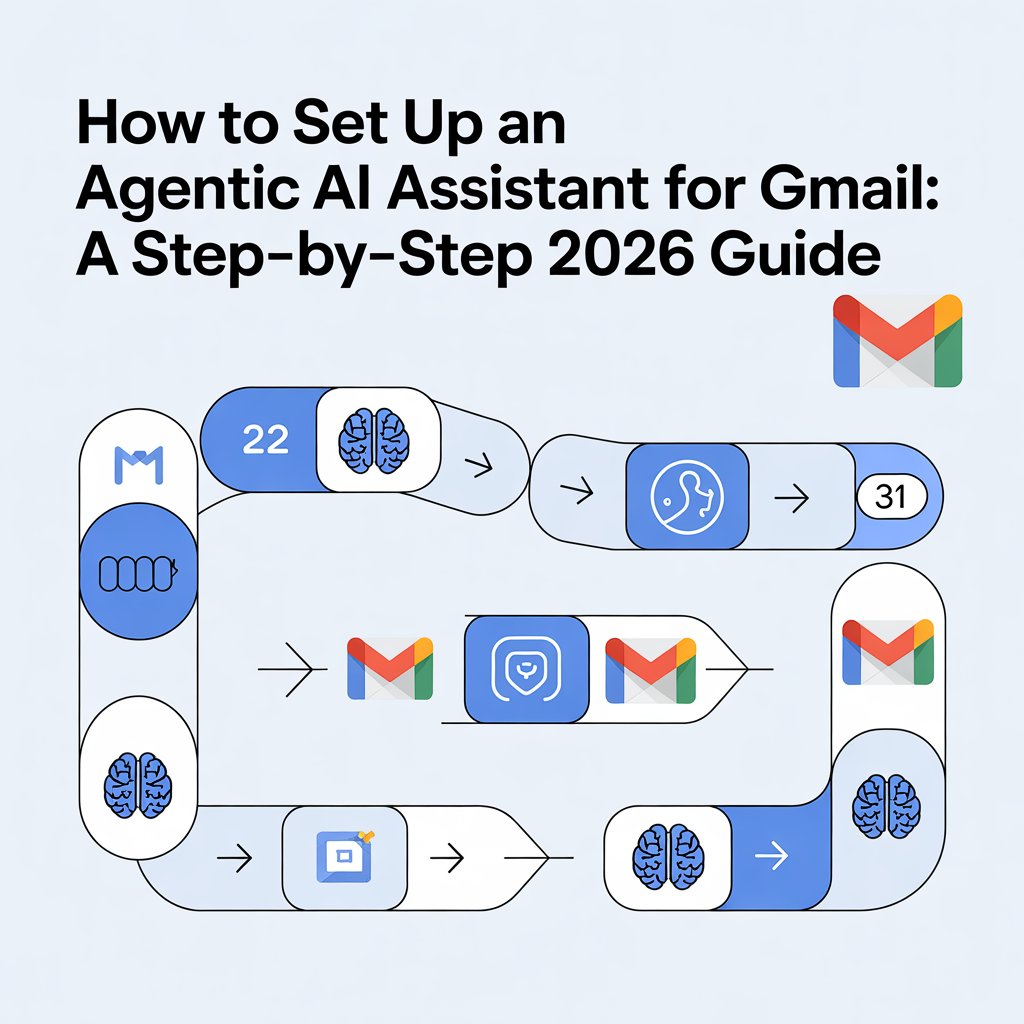
What is an “Agentic” AI Assistant?
Unlike a standard chatbot, an AI Agent has “agency.” It is connected to your Gmail via API and can perform actions based on your predefined rules. It can distinguish between a high-priority lead in San Francisco and a generic newsletter, draft a response using your specific brand voice, and even schedule a meeting without you lifting a finger.
Phase 1: Choose Your 2026 Agent Stack
To attract the US market, you need tools that prioritize security and ease of use. The three leaders in 2026 are:
- Lindy.ai: Best for “No-Code” users who want a visual builder to create agents in minutes.
- Zapier Central: The gold standard for US small businesses already using the Zapier ecosystem.
- Jotform Gmail Agent: A powerful newcomer that “learns” from your past 500 emails to mimic your exact writing style and tone.
Phase 2: The Step-by-Step Setup
Step 1: Audit Your Inbox “Reality”
Before connecting a tool, identify your most repetitive tasks. Are you mostly answering FAQs? Scheduling demos? Or triaging support tickets?
- Action: Open your Gmail and look at the last 14 days of “Sent” mail. Identify the top 3 patterns. This is what your Agent will solve first.
Step 2: Define the “Brain” and “Boundaries”
When setting up your agent (e.g., in Lindy or Zapier), you must give it a Persona.
- Prompt Example: “You are a Senior Executive Assistant for a US-based consultancy. Your tone is professional, concise, and helpful. Do not mention you are an AI unless asked.”
- Set Boundaries: Crucially, tell the agent what not to touch. Exclude “Sensitive Negotiations,” “Legal Documents,” and “Personal Family Threads.”
Step 3: Authorize via OAuth (The Security Layer)
US business data privacy is a major concern in 2026. Use official OAuth connections. This ensures the AI Agent only sees the data it needs and doesn’t store your password.
- Tip: Look for tools that are SOC 2 Type II compliant to ensure your client data stays protected under US privacy standards.
Step 4: The “Human-in-the-Loop” Test
Never set an AI Agent to “Auto-Send” on day one.
- The Workflow: Set the agent to “Draft Mode.” It will prepare the email, but you must click “Send.”
- Refinement: After 5-10 successful drafts, you can “promote” the agent to autonomous mode for specific, low-risk categories like “Appointment Confirmations.”
Why This Workflow Wins in the US Market
The US “Creator Economy” is built on scalability. By using an Agentic AI for Gmail, a solo freelancer in New York can handle the email volume of a mid-sized agency.
It allows you to provide “Instant Response” times—a key competitive advantage in the fast-paced US business environment.
Frequently Asked Questions (FAQ)
Q: Is it safe to give an AI Agent access to my US business Gmail account? A: In 2026, security is the top priority for AI developers. Most leading platforms (like Google Vertex AI and Zapier) use Enterprise-grade encryption and comply with CCPA (California Consumer Privacy Act) standards.
To stay safe, ensure the tool you choose has a “Zero-Retention” policy, meaning they don’t use your private business emails to train their public AI models. Always start your agent in “Draft Only” mode to audit its behavior before granting full autonomy.
